
Data-Centre Electronics Tweezer Set | Repair Tools
Data-Centre Electronics Tweezer Set: Tools for Maintenance and Repair
A professional data-centre tweezer set should not be a collection of similar-looking tools. Each tweezer should have a defined job: placing small components, reaching around shielding, retrieving hardware, holding parts during controlled bench work or reducing metal contact on selected finished surfaces.
That distinction matters in server rooms, network workshops and electronics-repair departments. A point that is ideal for positioning a jumper may bend when used on a heavy cage nut. A broad non-marring tip may protect a finished surface but obstruct access to a dense PCB. A tool described as “ESD safe” may still lack the model-specific test evidence required by the buyer’s ESD-control programme.
This guide explains how data-centre operators, maintenance contractors, electronics distributors and OEM tool brands can build, inspect and specify a complete tweezer set for professional maintenance and repair.
Safety notice: Ordinary stainless-steel, titanium, ceramic-tip and ESD tweezers are not automatically voltage-insulated tools. De-energise equipment and follow the equipment manufacturer’s instructions, the site’s electrical-safety programme and applicable law. In the United States, OSHA 29 CFR 1910.333 addresses safety-related work practices for electrical equipment. This article is a procurement guide, not an electrical work procedure.
For a detailed comparison of individual shapes and materials, first read Data-Centre Electronics Tweezers: A Technician Tool Selection Guide. This companion article concentrates on how to assemble those tools into a controlled, serviceable kit.
Quick Answer: What Should a Data-Centre Tweezer Set Include?
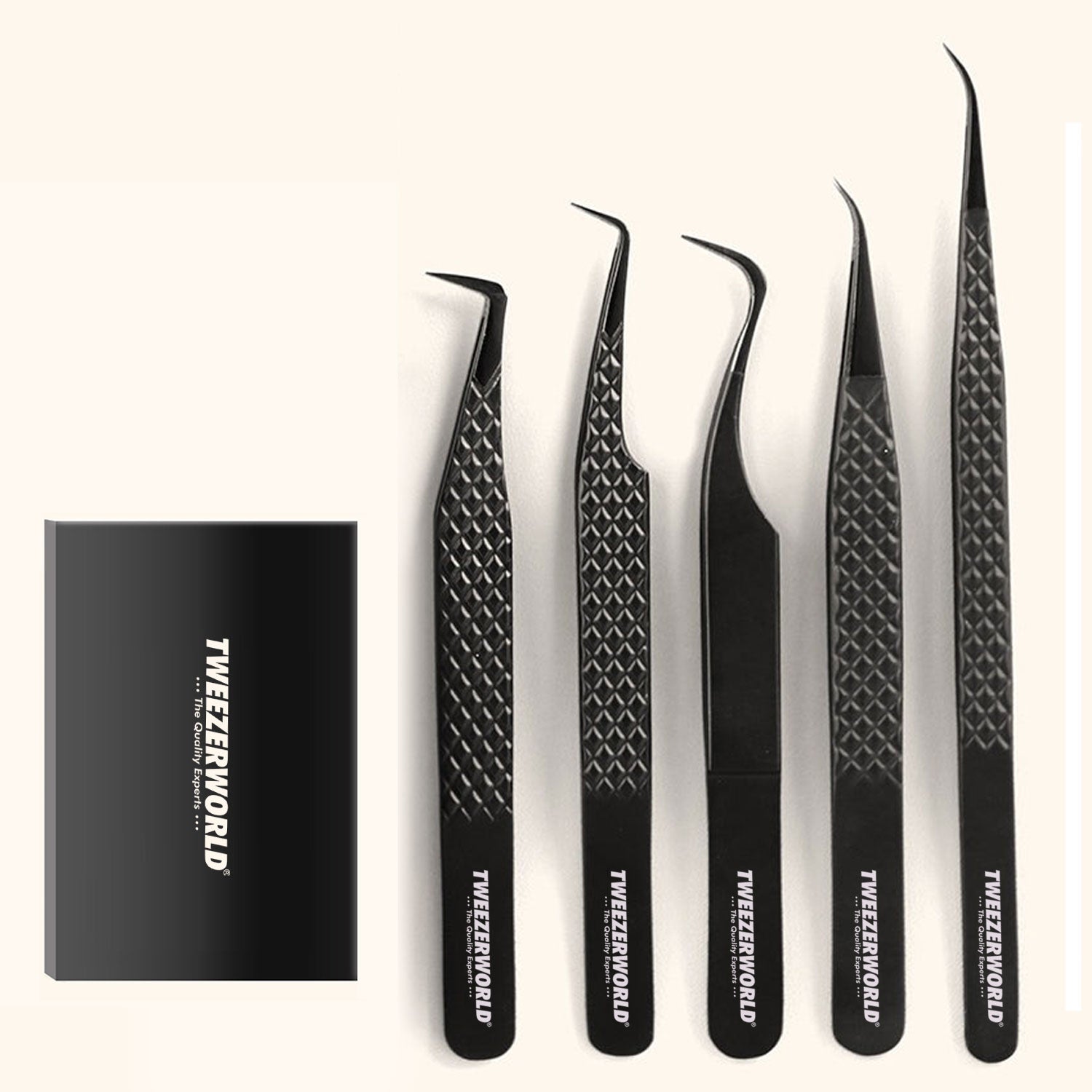
A practical professional set normally contains four to seven task-specific tools rather than seven versions of the same fine point. A complete distributor or workshop set may include:
- A fine straight tweezer for jumpers, small contacts and general component handling
- A fine curved tweezer for recessed or visually obstructed areas
- A stronger medium-tip tweezer for clips, washers and small chassis hardware
- A rounded or blunt smooth-tip tweezer for broader mechanical parts
- A reverse-action tweezer for controlled hands-free holding
- A ceramic-tip tweezer for selected heat, insulation or low-magnetic-interaction processes
- A replaceable polymer or carbon-fibre-composite tip tweezer for approved scratch-sensitive contact zones
A long-reach model can be added when equipment geometry justifies it. It should be used only for defined work in de-energised equipment—not as a probe, lever or substitute for a properly rated electrical tool.
Explore TWEEZER WORLD®’s ESD and Anti-Static Tweezers and ESD Stainless-Steel Tweezers.
Build the Set Around Tasks, Not Catalogue Names
The word “precision” does not define a tool’s capacity, alignment, force or intended use. Before selecting models, list the actual operations performed by the technicians. Separate protected electronics-bench work from chassis maintenance, optical-network support and any activity involving electrical hazards.
| Maintenance task | Recommended tool role | Important limitation |
|---|---|---|
| Positioning jumpers, DIP switches, small contacts and lightweight SMD parts | Fine straight ESD-program-compatible tweezer | Do not use an ultra-fine point to pry or retrieve heavy hardware. |
| Reaching beside heatsinks, shields and dense connector banks | Fine curved or angled ESD-program-compatible tweezer | The curve must match the access path and preserve tip contact. |
| Retrieving screws, clips and washers from a de-energised chassis | Stronger medium straight or slightly curved tweezer | Define load, reach and magnetic-response requirements; never reach into energised equipment. |
| Handling cable-management parts, covers and robust connector hardware | Rounded or blunt smooth-tip tweezer | A rounded metal tip is not automatically non-marring. |
| Holding a part during inspection or a controlled bench process | Reverse-action tweezer | Verify the holding force on representative parts. |
| Selected work near heat or where insulating tip contact is required | Ceramic-tip tweezer | Ceramic can chip; an insulating tip does not make the complete tool safe for live voltage. |
| Handling an approved finished or scratch-sensitive mechanical surface | Replaceable polymer or carbon-fibre-composite tip | Contamination, wear and excessive force can still mark a surface. |
| Mechanical handling around optical transceiver cages | Clean rounded or fine tool selected for the approved mechanical part | Do not touch or clean optical end faces with tweezers. |
Every tool in the case should have a unique role. If two models do the same job with no measurable advantage, the duplication adds cost, complicates training and makes replacement stock harder to manage.
Recommended Data-Centre Tweezer Set Configurations
There is no universal kit size. The following configurations are practical starting points that can be adjusted after technicians test samples on representative equipment.
| Set | Suggested contents | Intended user | What it excludes |
|---|---|---|---|
| 4-piece field-maintenance set | Fine straight, fine curved, stronger medium straight and rounded/blunt smooth tip | Technicians performing routine mechanical service in de-energised server and network chassis | Specialised soldering, optical end-face work and live electrical tasks |
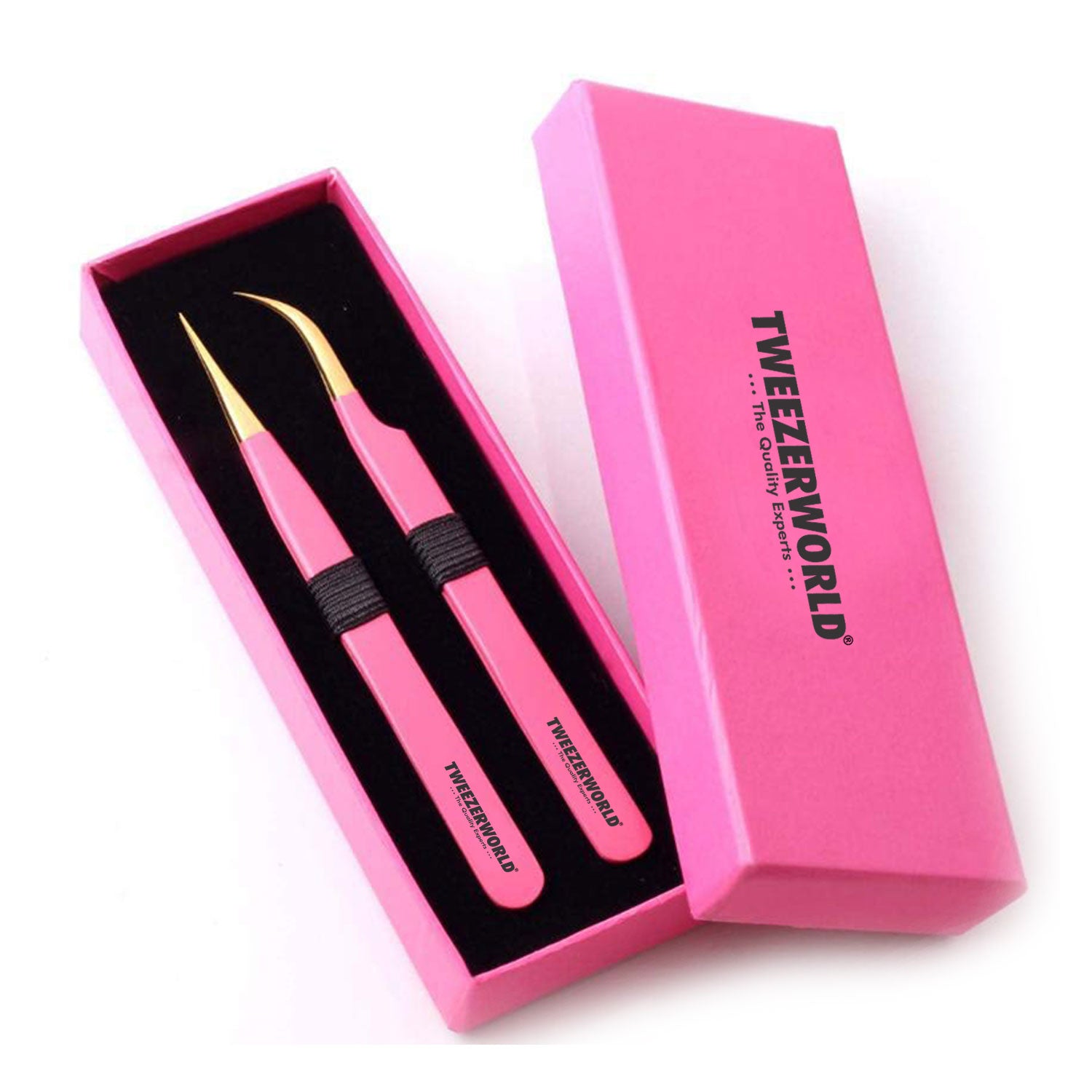
| 6-piece ESD-bench repair set | Fine straight, ultra-fine straight, fine curved, reverse-action, ceramic tip and replaceable composite tip | Controlled electronics-repair, inspection and rework benches | Heavy hardware retrieval and hazardous-voltage work |
| 5-piece network and optical-support set | Fine straight, fine curved, rounded smooth, non-marring replaceable tip and medium long-reach model | Network-switch, transceiver-cage and cable-management support | Contact with optical end faces; use dedicated cleaning systems for optical interfaces |
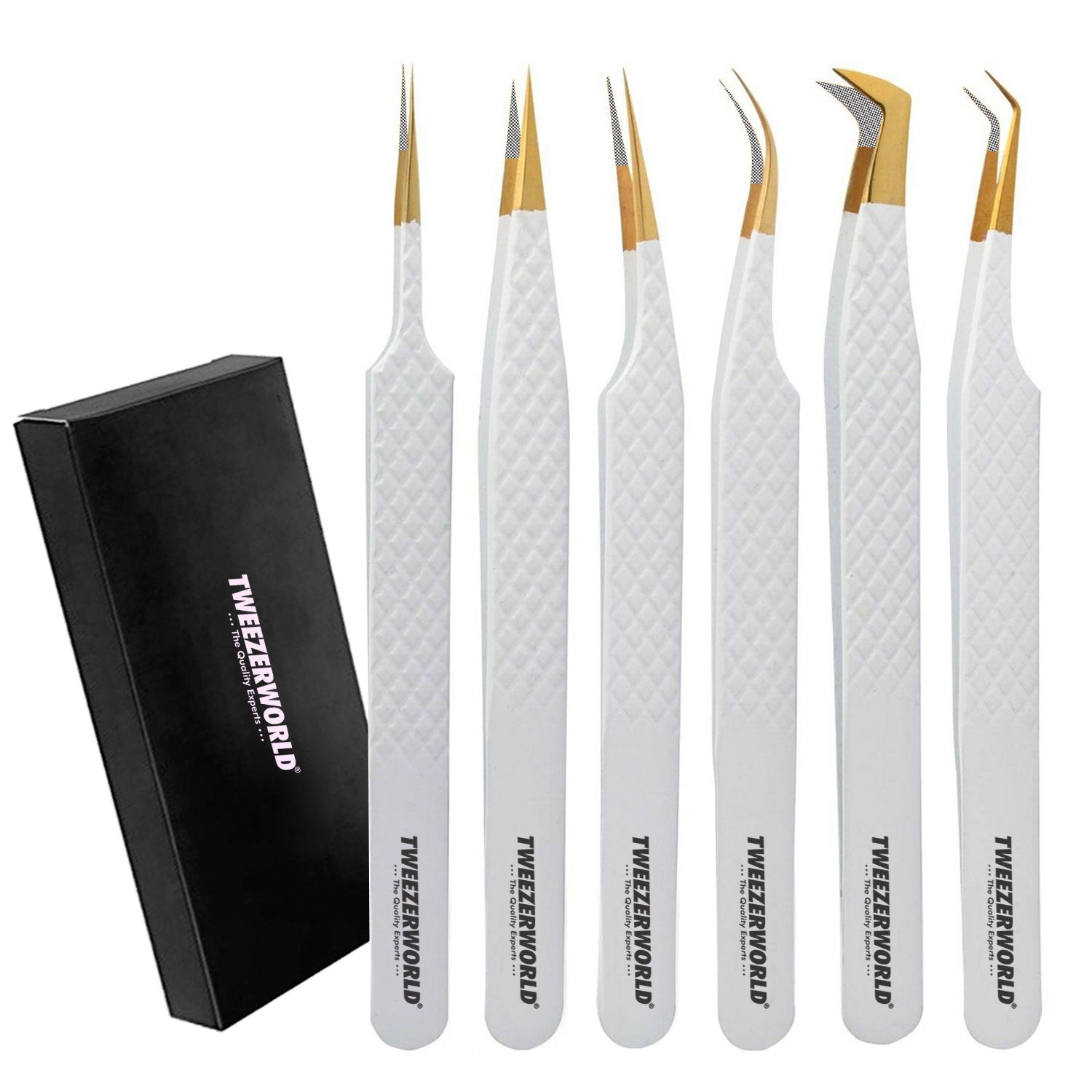
| 7-piece distributor/OEM professional set | Fine straight, fine curved, stronger medium, rounded smooth, reverse-action, ceramic tip and replaceable composite tip | Broad professional range for maintenance suppliers and service organisations | Any task not explicitly supported by the tool specification and user instructions |
The Role of Each Tweezer in the Set
1. Fine Straight ESD-Programme-Compatible Tweezer
This is the general electronics tool in the kit. A direct sight line makes it useful for placing jumpers, manipulating small connectors, holding lightweight parts and inspecting close features. Procurement specifications should define tip width, thickness, taper, closed-tip contact, opening and closing force.
“Needle point” is not a complete specification. The buyer should decide whether the priority is access, strength or a balance of both. Extremely fine points can be useful at a repair bench but are more vulnerable to bending after drops or side-loading.
2. Fine Curved or Angled Tweezer
A curved working end improves the technician’s sight line around shielding, cooling assemblies and dense connector areas. It should not simply duplicate the straight tool. Define the bend angle, curved-section length, tip orientation and contact point so that the supplied model matches the actual equipment geometry.
Inspect left-to-right symmetry and confirm that both tips meet under the specified closing force. Poor alignment at the end of a curve can cause a small part to twist or escape.
3. Stronger Medium-Tip Hardware Tweezer
Fine points should not be sacrificed to retrieve screws, washers and robust clips. A medium-tip stainless-steel tool provides more stiffness and contact area for those tasks. Specify the expected part size and handling load, not a vague description such as “heavy duty.”
If magnetic response matters because of sensors or magnet-sensitive parts, define the material and test method. Stainless steel is a broad material family; its grade, processing and magnetic behaviour cannot be established by appearance.
4. Rounded or Blunt Smooth-Tip Tweezer
Broader, smooth contact faces can be useful for cable clips, labels, insulating pieces and finished mechanical parts. Inspect for burrs, sharp corner transitions and polishing residue. A blunt profile reduces puncture and marking risk but does not guarantee a scratch-free result.
5. Reverse-Action Holding Tweezer
A reverse-action tool closes when hand pressure is released. It can maintain a consistent hold during visual inspection or selected controlled bench processes. Because the tool supplies its own gripping force, the buyer must define a safe force range for the intended part.
Check how the tool releases. A sudden opening action can launch lightweight components. Sample approval should include repeated pickup, hold and release trials with representative parts.
6. Ceramic-Tip Tweezer
Ceramic tips can provide low magnetic interaction, electrical insulation at the contact area and useful temperature resistance for selected processes. Exact behaviour depends on the ceramic composition, tip design, attachment method and exposure conditions.
Ceramic is also brittle. Include visual checks for chips, cracks and looseness, particularly after impact. Never translate “ceramic tip” into an unsupported live-voltage or universal heat-resistance claim.
7. Replaceable Polymer or Carbon-Fibre-Composite Tip Tweezer
A replaceable soft or composite tip can reduce direct metal contact on approved sensitive surfaces. It also allows a workshop to renew worn contact faces without replacing the complete handle.
The purchasing specification should identify the exact tip material, electrical property, temperature limit, cleaning compatibility, fastener method and spare-tip reference. Carbon-fibre content alone does not prove a specific resistance range or ESD classification.
ESD Control Applies to the Complete Work Process
IEC 61340-5-1:2024 defines requirements for an electrostatic-discharge control programme. The recently published IEC TS 61340-5-4:2026 addresses compliance-verification procedures for technical items in that programme.
A tweezer therefore cannot be qualified by a catalogue adjective alone. The buyer should state:
- The property to be evaluated
- The part of the tool to be tested
- The test method and electrode arrangement
- Temperature and humidity conditioning
- Acceptance limits
- Qualification and production-verification frequency
- Required records and traceability
Do not copy a universal resistance range into an RFQ without confirming that it fits the facility’s ESD-control plan. Conductive metal, insulating ceramic and static-dissipative composite tips have different functions. The complete workstation can also include personnel grounding, a grounded work surface, suitable packaging, training and verification equipment. Dell’s service guidance, for example, describes a wired grounded wrist strap, a static-safe work area and antistatic packaging as parts of an ESD field-service approach.
ESD Safe Does Not Mean Voltage Insulated
These terms solve different problems:
- ESD control manages electrostatic charge to reduce risk to ESD-sensitive electronics.
- Voltage insulation addresses protection against electric shock under defined electrical conditions.
A coated grip, plastic sleeve or ceramic contact tip does not establish that the complete tweezer is approved for live electrical work. Separate ordinary electronics tweezers from specially rated electrical tools physically, visually and in the written procedure. Never use colour coding that could cause technicians to mistake an ESD tool for a voltage-rated one.
Network and Optical-Module Handling
Tweezers may support approved mechanical work around transceiver cages, pull tabs, clips and dust plugs, but they should not touch or clean optical end faces. Optical interfaces require the cleaning method and inspection equipment specified by the equipment or connector manufacturer.
Official Cisco hardware-installation guidance provides examples of using wrist straps, retaining dust plugs and protecting removed optical modules in antistatic bags. The applicable procedure for the exact module and platform should control the work.
For a network-support set, include a clear permitted-use card:
- Use only on the mechanical features identified in the service instruction.
- Keep tools clean and capped when stored.
- Do not touch ferrules, lenses or optical end faces.
- Replace contaminated or damaged non-marring tips.
- Restore dust caps and protective packaging as instructed.
Dimensions, Tension and Ergonomics
A set should offer useful differences in access and force. Merely changing the colour or model number does not create a functional range.
| Characteristic | What the buyer should define | Why it matters |
|---|---|---|
| Overall length | Nominal length and tolerance for fine, standard and long-reach models | Controls access, hand clearance and leverage |
| Tip width and thickness | Measurement points and tolerances on a controlled drawing | Determines access, stiffness and contact area |
| Tip contact | Required contact zone under a defined closing force | Reduces slipping, crossing and local overstress |
| Closing force | Force range at a named opening and handle measurement point | Affects fatigue and control |
| Reverse holding force | Force range and representative-part test | Prevents weak holding or component damage |
| Handle finish | Surface texture, edge condition and permitted coating | Affects grip, cleaning and identification |
| Weight and balance | Target range where important to the user group | Influences comfort during repeated bench work |
Ask technicians to test samples using their normal gloves, magnification, lighting and work posture. A tool that feels suitable during a short desk inspection can produce fatigue during repeated production or repair tasks.
Case, Tip Protection and Identification
A professional set needs more than a pouch. The case should protect alignment, prevent tool-to-tool contact and make missing items visible before the kit leaves the bench.
Specify:
- A rigid or semi-rigid fitted case
- Individual tip protectors that do not bend the working ends
- A labelled position for every model
- A separate compartment for spare replaceable tips and fasteners
- Model, lot and role identification
- An inspection and permitted-use card
- A barcode or QR code where it supports controlled instructions or stock management
- Packaging appropriate to the buyer’s ESD programme when required
Do not call an ordinary plastic case or foam insert “ESD protective” without relevant evidence. If ESD-protective packaging is required, define its property, test method and acceptance criteria separately.
Cleaning, Inspection and Replenishment
Set-level maintenance should make the condition of every tool visible and traceable. Use a pre-use check and quarantine any tool that has been dropped or shows a change in performance.
Pre-Use Inspection
- Confirm that the correct model is in each labelled position.
- Inspect tips under suitable magnification for alignment, burrs, chips and contamination.
- Check that replaceable tips and fasteners are secure.
- Verify that reverse-action jaws close and release predictably.
- Check polymer or composite tips for wear and embedded particles.
- Inspect ceramic tips after any impact.
- Confirm that the tip protectors and case insert are clean and undamaged.
Cleaning
Approve a cleaning method for each material. A solvent suitable for stainless steel may damage a polymer tip, adhesive, coating or printed marking. Use a lint-controlled process, remove residues and dry tools fully before storage.
Replacement and Spare Parts
Replace tools based on inspection and performance criteria rather than an unsupported universal service interval. Maintain stable part numbers for complete tools, replaceable tips, fasteners, tip caps and case inserts. A distributor should be able to replenish one damaged component without replacing the entire set.
If periodic electrical verification is part of the ESD programme, state the method, frequency, records and action for failed tools. A supplier’s original qualification report does not replace the facility’s ongoing compliance-verification process.
How to Approve a Data-Centre Tweezer Set
Approve the kit at two levels: each individual tool and the assembled set.
Individual-Tool Checks
- Correct model, material and dimensions
- Tip geometry and alignment
- Closing or holding force
- Surface finish and cleanliness
- Replaceable-tip security
- Electrical or magnetic evidence where specified
- Functional trial with representative components
Set-Level Checks
- Correct quantity and model combination
- No duplicated, missing or substituted roles
- Correct labelled location for every tool
- Secure protection during transport
- Readable instructions and safety limitations
- Correct spare-tip and replacement references
- Matching lot, inspection and packaging records
Retain an approved golden set linked to controlled drawings, specifications, artwork and packaging revisions. Production sets should be compared with that reference using measurable criteria, not appearance alone.
Completed RFQ Checklist for Distributor Procurement
The following example is a practical starting specification. Adjust the material, ESD method, dimensions and model combination for the buyer’s own processes.
| Procurement field | Buyer’s requirement |
|---|---|
| Product name | Professional Data-Centre Electronics Tweezer Set for maintenance and repair |
| Set configuration | Seven-piece set: fine straight, fine curved, stronger medium straight, rounded smooth, reverse-action, ceramic tip and replaceable composite tip |
| Intended use | Manual handling of approved small electronic and mechanical parts in de-energised data-centre equipment and controlled electronics work areas |
| Prohibited claim | No live-voltage, voltage-insulated, spark-proof, scratch-proof or universal ESD claim without product-specific evidence |
| Model identification | Unique model code permanently marked on each tool and repeated on the case label, inspection report and spare-parts list |
| Materials | Exact alloy or tip composition declared for every model; no unidentified material substitutions |
| Dimensions | Overall length, tip width, tip thickness, taper and angle defined on approved drawings with measurement points and tolerances |
| Tip alignment | Tips meet at the defined contact zone without crossing or lateral slip under the specified closing force |
| Closing and holding force | Model-specific range measured at a defined opening and handle location; reverse-action holding force tested separately |
| Surface finish | Uniform matte or satin finish; no burrs, pits, cracks, deep scratches, loose residue or unintended sharp edges |
| ESD requirement | Buyer-approved property, method, electrode arrangement, conditioning, limits and verification records for applicable models |
| Functional tests | Pickup, hold, position and release trials using agreed representative components for each tool role |
| Ceramic-tip acceptance | No chips, cracks or looseness; declared material and exposure conditions; no complete-tool voltage-insulation claim |
| Replaceable-tip acceptance | Secure attachment, aligned contact, declared composition, compatible cleaning method and stable spare-tip reference |
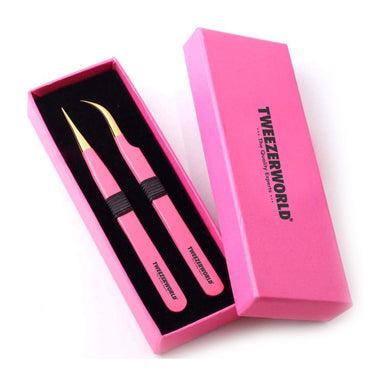
| Case and protection | Fitted black-and-white case with labelled positions, individual tip protectors and separate spare-tip compartment |
| Instructions | Care, inspection, permitted-use and safety-limitation card supplied with every set |
| Branding | Buyer-approved logo, model marking, case artwork, barcode and WhatsApp/contact details where required |
| Documentation | Controlled drawings, material declarations, inspection report, applicable test evidence, packaging specification and replacement-parts list |
| Inspection plan | 100% check of identity, tip condition, alignment and set contents; sampling plan for agreed dimensional and documentation characteristics |
| Golden set | Signed and dated master set linked to drawing, specification, artwork and packaging revisions |
| Change control | No change to material, geometry, force, coating, tip supplier, case, marking or test method without prior written approval |
| Qualification quantity | Three sample sets for technical evaluation, followed by an agreed pilot order before bulk production |
| Quotation quantities | Request unit pricing at 100, 250, 500 and 1,000 sets, or other volumes matching the buyer’s forecast |
OEM and Private-Label Set Development
For an OEM programme, begin with the buyer’s maintenance tasks and build the model combination around them. Useful customisation options may include:
- Custom combinations of straight, curved, blunt, reverse-action and replaceable-tip tools
- Task or model marking on each handle
- Buyer logo and contact details
- Custom fitted case and insert
- Spare tips, fasteners and tip protectors
- Barcode, lot and private-label packaging
- Care and permitted-use cards
- Buyer-defined alignment, force and functional tests
- Golden-set approval and documented change control
Colour coding can help distinguish tool roles, but the chosen coating must be compatible with handling, cleaning and ESD requirements. Do not use a colour convention that could imply voltage insulation where none has been established.
Learn more about OEM ESD Tweezer Manufacturing and TWEEZER WORLD®’s OEM Services.
Frequently Asked Questions
How many tweezers should a data-centre electronics set contain?
Most sets need four to seven tools. A four-piece field kit can cover routine access and hardware work, while a six- or seven-piece bench or distributor set can add reverse-action, ceramic and replaceable non-marring tips.
What is the best starter configuration?
Start with fine straight, fine curved, stronger medium straight and rounded smooth-tip tweezers. Add specialist tools only when a defined task, component or process justifies them.
Is an ESD-safe tweezer the same as an insulated electrical tweezer?
No. ESD control protects sensitive electronics from electrostatic discharge. Voltage insulation addresses electric-shock hazards under defined conditions. An ordinary ESD tweezer should never be assumed suitable for live electrical work.
Are stainless-steel tweezers automatically ESD safe?
No. Stainless steel is conductive, but alloy identity alone does not establish compatibility with a facility’s ESD-control programme. Define the required property, test method and acceptance limits.
When should a set include ceramic-tip tweezers?
Include them for selected processes requiring insulating tip contact, low magnetic interaction or suitable heat behaviour. Verify the exact material, temperature conditions, chip resistance and intended use.
When are replaceable polymer or composite tips useful?
They are useful where reducing direct metal contact is important and worn tips must be replaceable. Confirm composition, electrical behaviour, wear, cleanliness, solvent compatibility and spare-tip availability.
Can technicians use tweezers on optical-transceiver end faces?
No. Tweezers may support approved mechanical work around the module, but optical end faces require the cleaning and inspection system specified by the equipment or connector manufacturer.
How should tip alignment be inspected?
Define the viewing method, magnification, closing force and intended contact zone. Inspect for crossing, lateral offset, twisting and unwanted gaps, then confirm performance with representative parts.
When should a tweezer be replaced?
Replace or quarantine it when the tip is bent, chipped, cracked, contaminated beyond the approved cleaning process, loose, worn or unable to meet the alignment, force, electrical or functional acceptance criteria.
What documents should a distributor request?
Request controlled drawings, material declarations, tool and set inspection reports, applicable electrical-test evidence, packaging specifications, spare-parts references, approved artwork and change-control terms.
Conclusion
A useful data-centre electronics tweezer set is built around distinct maintenance roles. Fine straight and curved tips support controlled component work; a stronger medium tool protects delicate points from hardware tasks; rounded, reverse-action, ceramic and replaceable composite tips address specialised handling needs.
The buyer should define how each tool will be used, where it will be used, how its alignment and force will be inspected, how it fits the ESD-control programme and how it will be protected and replenished. That approach produces a serviceable professional kit rather than a box of unverified “precision” tools.
TWEEZER WORLD® can discuss custom model combinations, branded cases, laser marking, spare tips, packaging and inspection requirements for electronics distributors, maintenance suppliers and OEM tool brands.
Request a Data-Centre Electronics Tweezer Set
Choose an AI Optical Handling Category
Specify your task as Optical Component Handling; VCSEL/PIC Evaluation Tools; Transceiver Assembly & Inspection Tools; Fine Electronics/Connector Handling; or ESD-Controlled Models supported by model-specific testing. Submit the component drawing, permitted contact zones, required closing force and acceptance criteria for sample evaluation.
Compare the five handling categories and required evidence. ESD suitability requires documented results for the exact configuration. Ceramic or coated tips alone do not qualify a model.
Papular Products Gallery